
How to Let Photo Booth Clients Choose Their Own Template Online

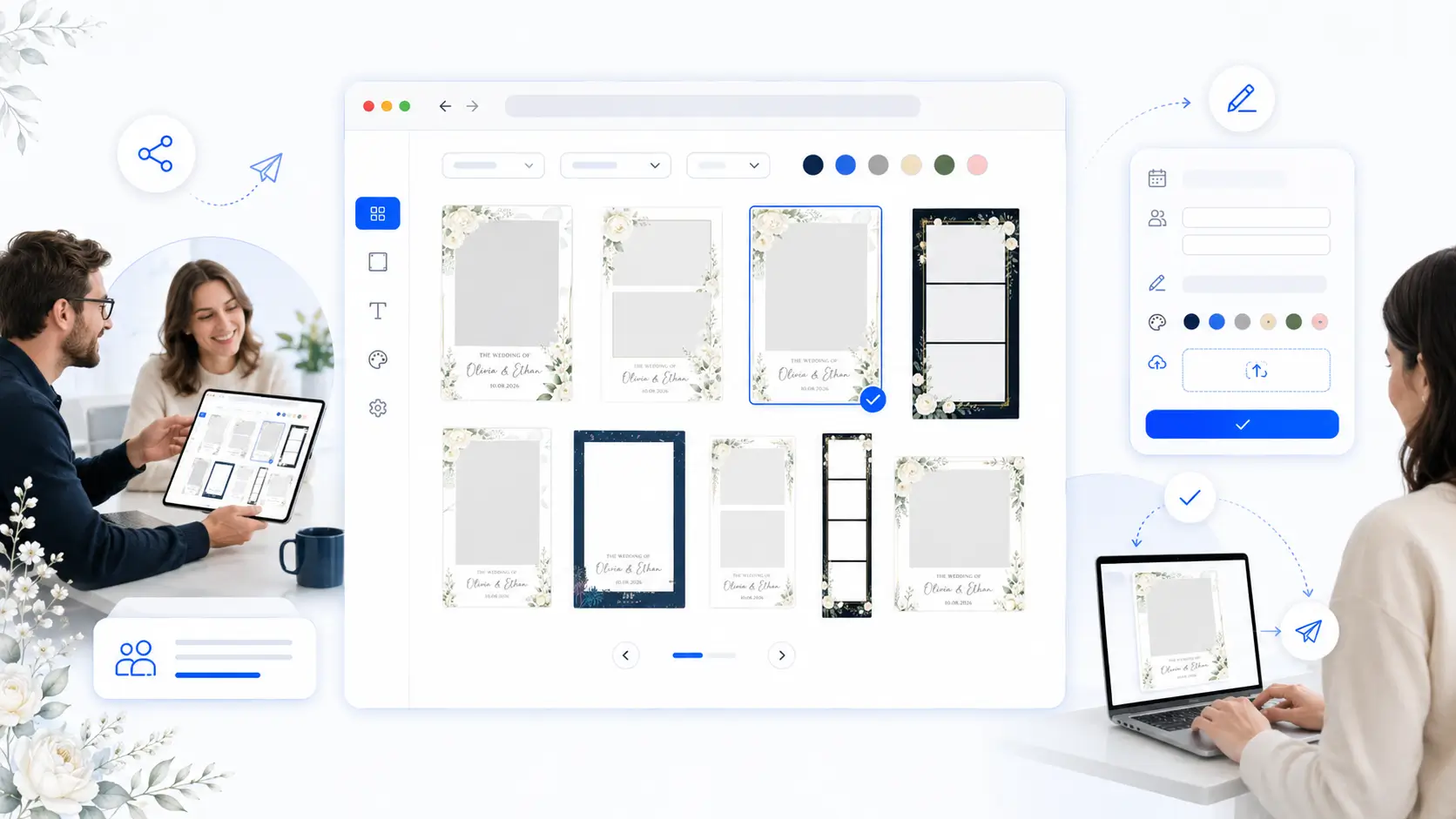
Photo booth clients can choose their own template through a shared folder, PDF catalogue, website gallery or dedicated online template selector. For businesses managing regular bookings, a branded photo booth template gallery is usually the most organised option because clients can browse designs, choose their preferred template and submit their event details through the same interface.

A structured photo booth client template selection process can reduce email conversations, prevent missing information and make it easier to prepare the correct artwork for each event.

This guide explains how to let photo booth clients choose a template online while keeping the selection process organised and on-brand.

Client browsing a branded online gallery to choose a photo booth template and submit event details

Quick Summary

Photo booth clients can choose their own template through email, shared folders, PDF catalogues, website galleries or a dedicated online selection widget. For businesses handling regular bookings, a branded widget is usually the most organised option because it allows clients to:

With BespokeBooth, all template designs are available through the widget. Members configure which layouts and services their business offers rather than choosing individual templates to display.

Why photo booth template selection becomes difficult

Giving clients plenty of design choice can improve the booking experience, but the process can become time-consuming when it is managed manually.

A typical booking may involve sending several screenshots, answering requests for more options and collecting names, dates, colours and logos through separate messages. The client may then select a design without confirming the required layout or forget to provide important event information.

Common problems include:

The best system is not simply one that displays attractive templates. It should also help the client make a suitable choice and collect the information needed to prepare the final artwork.

Six ways to send photo booth templates to clients

There are several ways to handle photo booth client design selection. The most suitable method depends on how frequently you take bookings, how many designs you offer and whether you want the client experience to remain under your own branding.

1. Emailing individual template examples

For occasional events, you can email a small selection of template screenshots directly to the client. This is simple when only a few designs are involved, but it becomes difficult to manage as the number of bookings grows. Clients may ask for more choices, reply without identifying the correct template or send their event information across several messages.

2. Sharing a Dropbox or Google Drive folder

A shared cloud folder allows clients to browse a larger collection without receiving dozens of email attachments. This is easier to maintain than sending screenshots individually, but the folder normally does not collect the client’s selection or event details. You may still need a separate form or email conversation after the client has chosen a design.

3. Sending a PDF catalogue

A branded PDF can provide a polished way to show selected templates and packages. However, PDF catalogues require regular updates when new designs are added or old templates are removed. They can also become large and difficult to navigate if your library contains hundreds of options.

4. Creating a gallery on your website

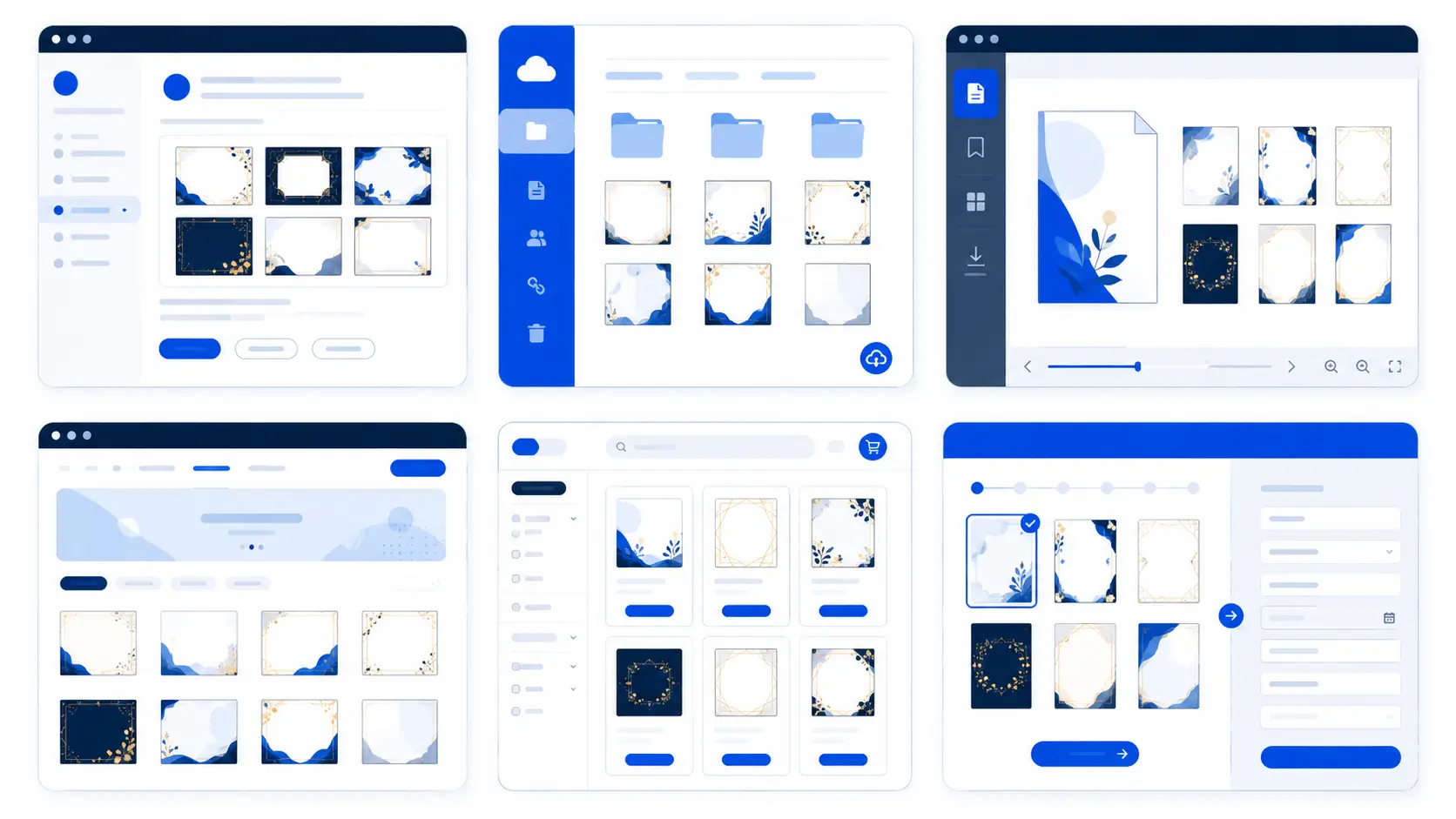
A photo booth template gallery for clients can be added directly to your own website. This keeps the selection process under your branding and gives clients an easy way to browse designs. The main limitation is that a standard gallery may not collect the chosen design, event information, logo and design instructions unless it is connected to a suitable form.

5. Sending clients to a public template marketplace

A public marketplace or template shop may already contain a large number of designs. This saves you from building your own gallery, but it sends the client to another company’s website. They may see layouts you do not support, encounter unrelated products or contact the template provider rather than your business.

6. Using a branded online template-selection widget

A dedicated online photo booth template selector combines the gallery and submission process. Clients can browse the available designs, choose a template and provide their event details through the same interface. The widget can also be branded for the photo booth business and shared as a direct link or added to an existing website. For companies handling regular events, this is usually the most complete option.

Comparison of six ways photo booth businesses can show template choices to clients

Template-selection methods compared

Method

Easy to maintain

Keeps your branding

Collects event details

Suitable for regular bookings

Email screenshots

Low

Yes

No

Low

Shared cloud folder

Medium

Limited

No

Medium

PDF catalogue

Low

Yes

No

Low

Website gallery

Medium

Yes

Sometimes

Medium

Public marketplace

High

No

Usually no

Medium

Branded selection widget

High

Yes

Yes

High

A small operator may be comfortable using screenshots or a PDF. A business managing several events each week is more likely to benefit from a connected photo booth template selection website or branded widget.

What should an online client selection system include?

A useful client selection system should do more than display a grid of images.

It should help the client choose an appropriate template and provide the information required for editing or production.

Important features include:

The easier it is for the client to submit everything in one place, the less time the booth business needs to spend requesting missing information.
How the BespokeBooth template selection process works

BespokeBooth connects its template library, branded BoothWidget galleries and professional editing service within one workflow.

Configure the booth options shown to clients

Members do not choose individual templates for their widget. All BespokeBooth designs are available for clients to browse.

Instead, the member configures which booth formats and services are relevant to their business. This can include:

This gives clients access to the full BespokeBooth design collection while preventing them from selecting formats or services the business does not provide.

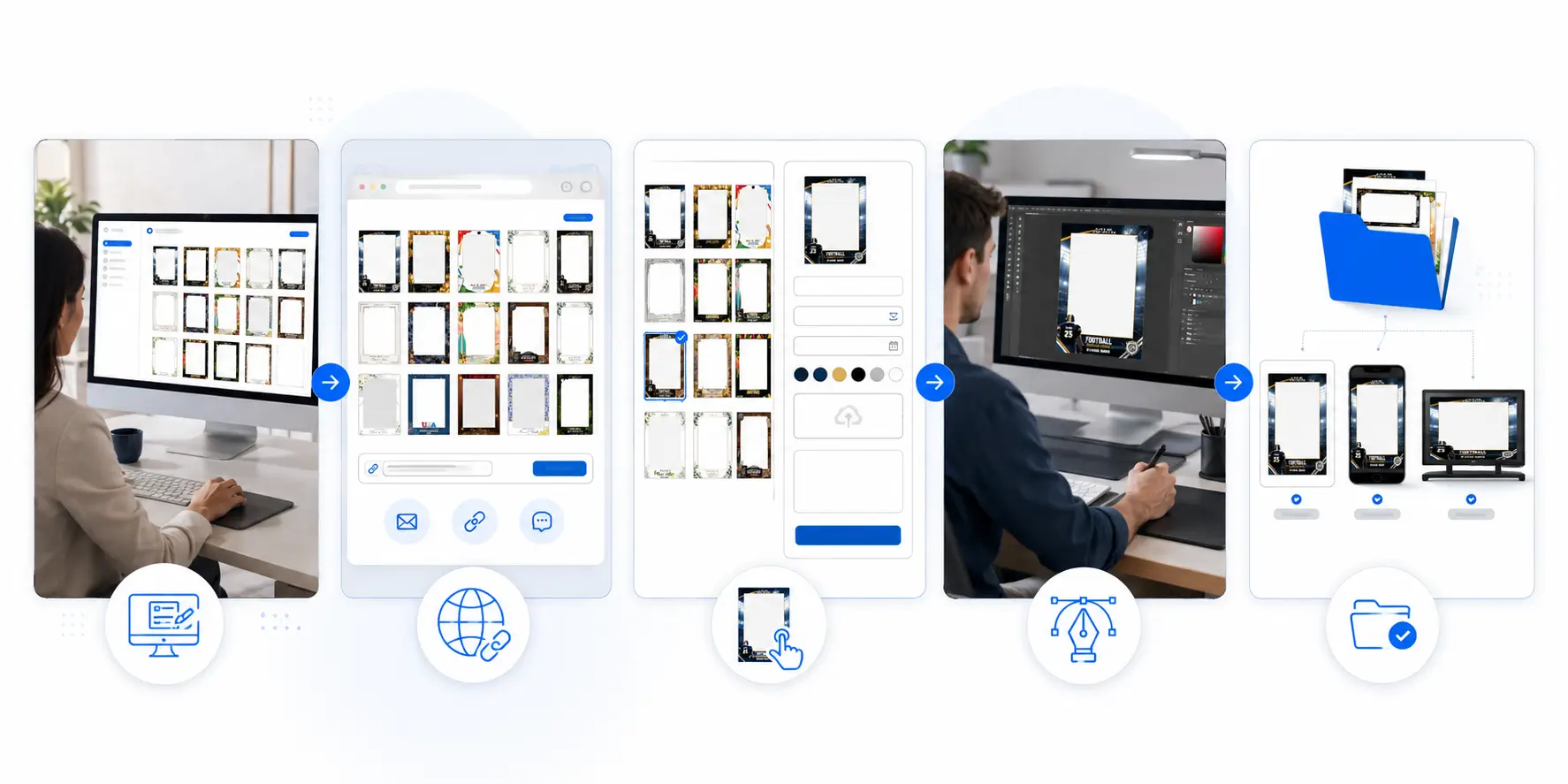
Five-step process for clients choosing a photo booth template online and receiving finished files

Send the widget to the client

The branded photo booth template gallery can be shared through a direct link or placed on the business’s website. Each widget can be presented as part of the operator’s own client experience rather than sending clients to an unrelated public marketplace.

The client chooses a template

The client browses the available BespokeBooth designs, selects a preferred template and provides the required event details through the same interface. This may include names, wording, date, colours, logo and additional design instructions.

BespokeBooth edits the selected design

The editing team personalises the chosen template using the submitted information. Members who prefer to edit independently can also use the available Canva or Photoshop files.

Finished files are delivered

The completed artwork is prepared for practical booth use and returned to the member. Revisions can be requested when amendments are required.

The full workflow is:

Configure booth options → Share the widget → Client chooses a template → BespokeBooth edits → Finished files delivered

You can learn more about the branded photo booth template widget, see how BespokeBooth works or review the available membership options.

Which options should members show in their widget?

Because all BespokeBooth designs are available through the widget, members do not need to build or maintain a separate curated template collection.

Instead, they choose which booth formats and services clients can request.

A member may decide to show:

This helps prevent clients from requesting layouts or services the business does not offer while still giving them access to the complete BespokeBooth template library within the available categories.

For example, a business that offers only 2 × 6 strips and 4 × 6 portrait prints can limit the widget to those layouts. Another operator may also include digital overlays, Glam Booth templates, start screens and custom-design requests.

How to reduce incomplete template submissions

Your form should collect everything the designer or booth operator will need before work begins.

A useful submission checklist includes:

It is also helpful to explain which file formats are accepted for logos and when the completed artwork should be approved.

Avoid asking for information that is not used. A shorter, focused form is more likely to be completed correctly than a long form filled with optional questions.

Is a branded photo booth template gallery worth using?

A branded online gallery is most useful for photo booth businesses that handle recurring bookings and want to reduce repeated design administration.

It allows the client to make a choice without receiving large folders or long email chains. The business can control the layouts and services available while still giving clients access to the full BespokeBooth design collection.

It can also create a more professional client experience because the design selection feels like part of the photo booth company’s own service rather than a separate marketplace.

Operators who only manage occasional events may be able to use a PDF catalogue or shared folder. Businesses handling frequent bookings are more likely to benefit from a system that combines browsing, selection, event-detail collection and editing.

Final recommendation

There are several practical ways to let photo booth clients choose their own template online.

Email screenshots and PDF catalogues can work for a small number of bookings. Shared folders make it easier to display a larger collection, while a gallery on your own website provides a more branded experience.

For regular photo booth businesses, a dedicated online template selector is usually the most organised solution. It allows clients to browse designs, choose a suitable template and submit the information required to prepare the final artwork.

BespokeBooth extends this process by connecting its complete template library with branded BoothWidget galleries, configurable booth options and professional editing.

Explore the BespokeBooth photo booth template library, compare the best photo booth template websites, or read whether BespokeBooth is one of the best photo booth template sites.

Frequently Asked Questions

You can send screenshots, share a cloud folder, create a PDF catalogue, build a gallery on your website or use a branded online template selection widget.

Yes. Clients can browse the available designs and choose the template they prefer through an online gallery or widget.

No. All BespokeBooth designs are available through the widget. Members instead configure which layouts and services are shown, including print and digital formats, Glam Booth templates, start screens and the optional custom design form.

A PDF can work for a small, carefully selected collection. An online gallery is easier to update and usually provides a better experience when you regularly add new designs or manage several bookings.

Yes. A gallery can be placed directly on your website or linked through a branded external page or widget.

Clients should normally provide their selected design, names, event wording, date, colours, required format, logo and any additional instructions.

A suitable template-selection form can include a logo-upload field for corporate events, schools, charities and other branded occasions.

Configure the widget so that it only shows the print, digital and screen formats your business supports. This prevents clients from requesting layouts that are unavailable with their booth package.

Yes. BespokeBooth members can submit selected templates for professional personalisation within the limits of their membership, or edit the available Canva and Photoshop files themselves.